Put Commands into Practice
Learn the MM-Series Simple Command Language through practical examples. Follow step-by-step guides to configure your boards, read sensors and control connected peripherals.

ModularMicros.IO and the MM-Series are coming soon...
We’re creating easy-to-build and pre-built modular microprocessor boards that make electronics accessible to everyone. Put your modules together, connect to Wi-Fi and start reading temperatures, controlling peripherals and bringing your ideas to life.
No programming is needed to get started. Use our simple onboard command language to explore, experiment and learn. For keen programmers, those same modules provide a starting point to go further with your own code.
From first-time learners to experienced makers, ModularMicros brings a small Internet of Things (IoT) environment to people of all ages and skill levels.
SMALL MODULES | BIG POSSIBILITIES
Small, powerful, modular microprocessor-based boards designed to make electronics and programming fun, easy to learn and simple to connect.
No programming experience needed. Simply connect to your Wi-Fi, start sending commands and off you go!
EDUCATION | LEARN BY DOING
Discover how fun coding and electronics can be. ModularMicros brings learning to life through practical projects, clear explanations and hands-on experiments. There’s something for curious minds of all ages, from complete beginners to experienced makers.
We’re preparing easy-to-follow tutorials, downloadable code examples and how-to guides to help you understand electronic components, connect peripherals and take control of your own projects.
Learn the MM-Series Simple Command Language through practical examples. Follow step-by-step guides to configure your boards, read sensors and control connected peripherals.
Explore the building blocks of electronics, from simple switches to temperature and pressure sensors. Learn how they work, what they do and how to use them in your own projects.
Discover how digital inputs and outputs can respond to triggers and control external devices, and how analog inputs and outputs can measure and control changing signals on supported hardware.
Start with working code examples, explore what they can do and adapt them as your confidence grows. Learning resources are coming soon.
MM-SERIES | SIMPLE COMMAND LANGUAGE
Every ModularMicros MM-Series module uses the same simple command language, designed to get you up and running quickly - without needing any programming experience.
That means once you've learned how to communicate with one ModularMicros module, you're already on your way to understanding them all.
Getting started is simple. Connect your MM-Series module to a USB port, open the configuration menu using a serial terminal emulator or an IDE and set up your Wi-Fi connection. Once connected, you're ready to go!
Start sending commands to read a temperature, switch an output, change a setting or simply ask the module what commands are available.
Want to read thermocouple channel 3 on your MM-Temperature module?
MM3 tc3Need some help?
MM3 ?That's it.
Example response
---------- Response Received ----------
From: MM3
Chip ID: 04B247921408
IP Address: 192.168.0.84
Board Type: Temperature
MM Network Mode: Local
MM Network ID: MMN9A0948058883
MM Series Protocol: 1.2.0
MM Series Core: 1.13.1
Firmware: 1.12.0
Request ID: 697
Command: tc3
Status: Success
Round Trip: 245 ms
Date: 2026-09-24
Time: 18:35:21 UTC
Response: Online, TC3 = 23.6 Celsius
------------------------------------
Each MM-Series module has its own unique name and address, so commands can be directed to exactly the module you want. Connect multiple MM-Series modules and they can exchange information and commands, allowing individual building blocks to work together as a much more powerful system.
You don't need to be a programmer to get started. Use a serial terminal emulator or an IDE and type commands yourself, or send the same commands across your Wi-Fi network.
As your knowledge and projects grow, those same commands can be sent from your own software, or another MM-Series module allowing you to create connected projects that can communicate across your home, classroom or workshop Wi-Fi network, or even across the world.
You choose how far you want to go. Start with simple commands and no programming experience, then explore the electronics, programming and technology behind your ModularMicros as your knowledge and confidence grow.
Start simple | Learn more | Build more
MM-Temperature
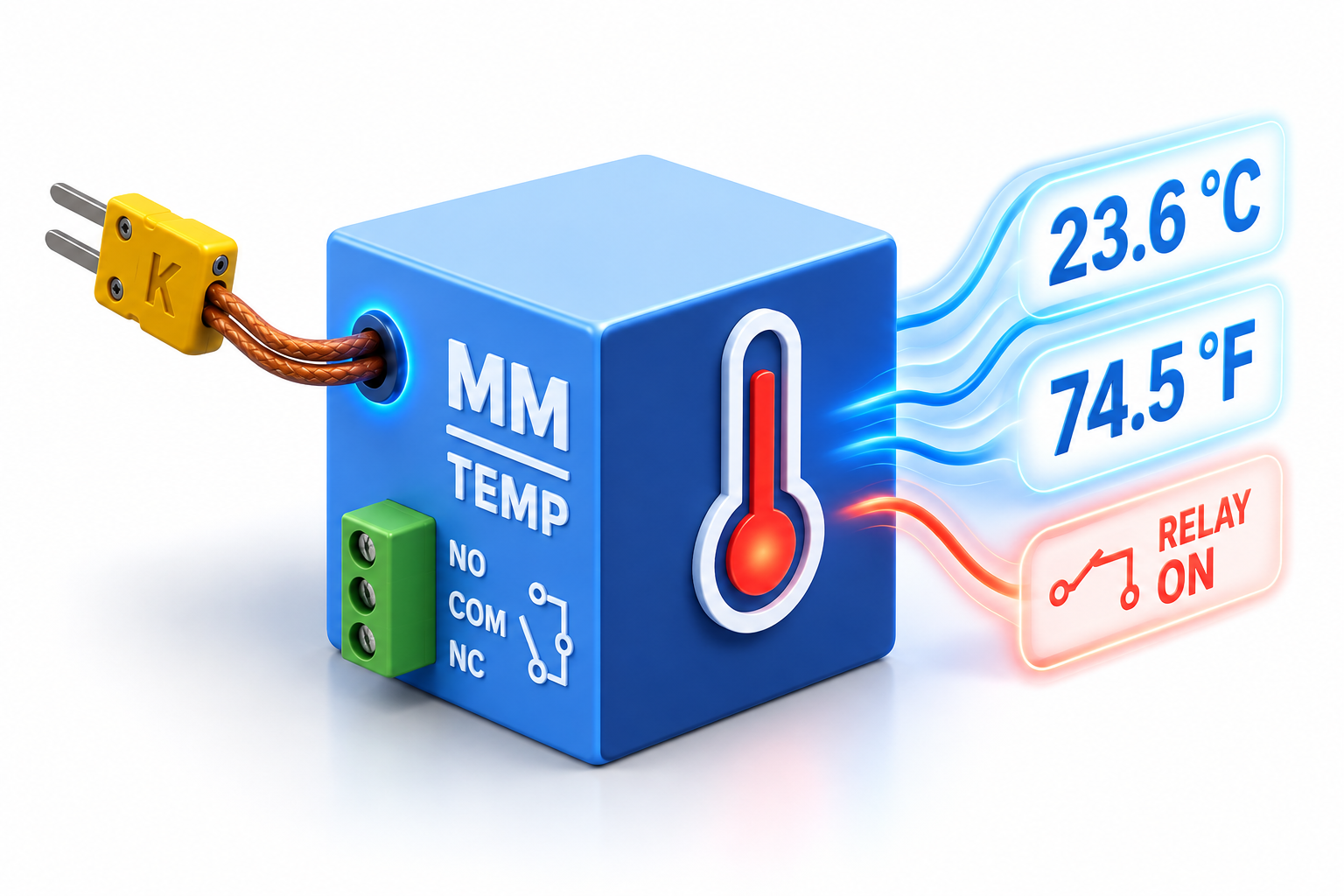
The MM-Temperature is a four-channel temperature monitoring and control module supporting up to four K-type thermocouples, each with its own independent relay output.
Monitor four temperatures at the same time, set individual temperature thresholds and hysteresis limits for each channel, allowing the module to automatically control heaters, fans, alarms or other external devices.
Want to keep a history of your measurements? Why not connect an MM-DataLogger and automatically record your temperature data directly to CSV files, ready to open in Microsoft Excel or your favourite spreadsheet application.
Even without an MM-DataLogger connected, the module's non-volatile memory can retain the latest set of temperature readings when power is removed.
And, like every MM-Series module, you don't need to write a program just to get started. Connect to your network, send a simple MM command and start measuring.
Four temperatures | Four independent controls | One small module
MM-DataLogger
The MM-DataLogger makes it easy to capture and store information from your MM-Series modules, creating a permanent record of measurements and events for monitoring, analysis or your next project.
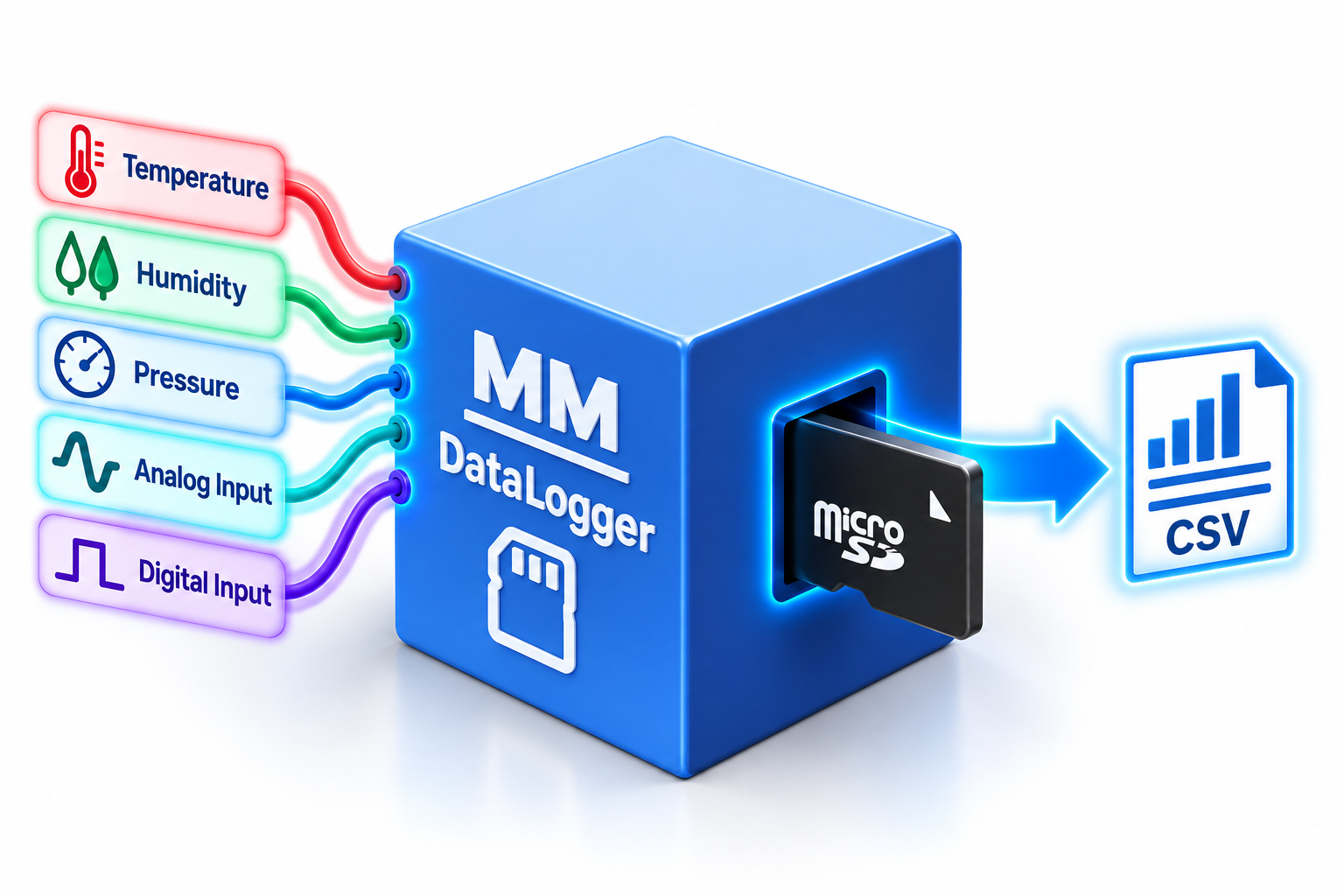
Connect the MM-DataLogger to other ModularMicros and automatically record information such as temperature, pressure, analog and digital values directly to a MicroSD card.
Data is stored in standard CSV format, making it easy to remove the MicroSD card and open your data directly in Microsoft Excel or your favourite spreadsheet application.
Want to record all four temperature channels from an MM-Temperature every 30 seconds? Set the logging interval, choose what you want to record and let the MM-DataLogger do the rest.
You can also record the ambient temperature and relative humidity reported by your MM-Temperature module, alongside its four thermocouple channels.
Because every MM-Series module speaks the same language, the MM-DataLogger is designed to work seamlessly with other MM-Series modules, capturing their measurements and storing them directly to MicroSD.
And you're not limited to just one module. Bring measurements from multiple MM-Series modules together to create a single data-logging solution for your project.
Start with something simple, such as recording room temperature throughout the day, then experiment with multiple sensors, different logging intervals and automated monitoring.
See the little blue light flashing? That's your ModularMicro doing stuff!
Reading a value, checking a sensor, logging some data or talking to another MM-Series module - the little blue activity light lets you know your ModularMicro is busy working away.
It's a simple, fun way to see that something is happening - even when all the clever stuff is going on behind the scenes.
See the blue light? Your ModularMicro is busy!
You don't need to write a program to start collecting data. Set up your MM-DataLogger, tell it what you want to record and let it get to work.
As you learn more, experiment with different measurements, multiple MM-Series modules, logging intervals and your own commands to build increasingly sophisticated data-logging projects.
Your data | Your project | Your MicroSD card
MM-Voice
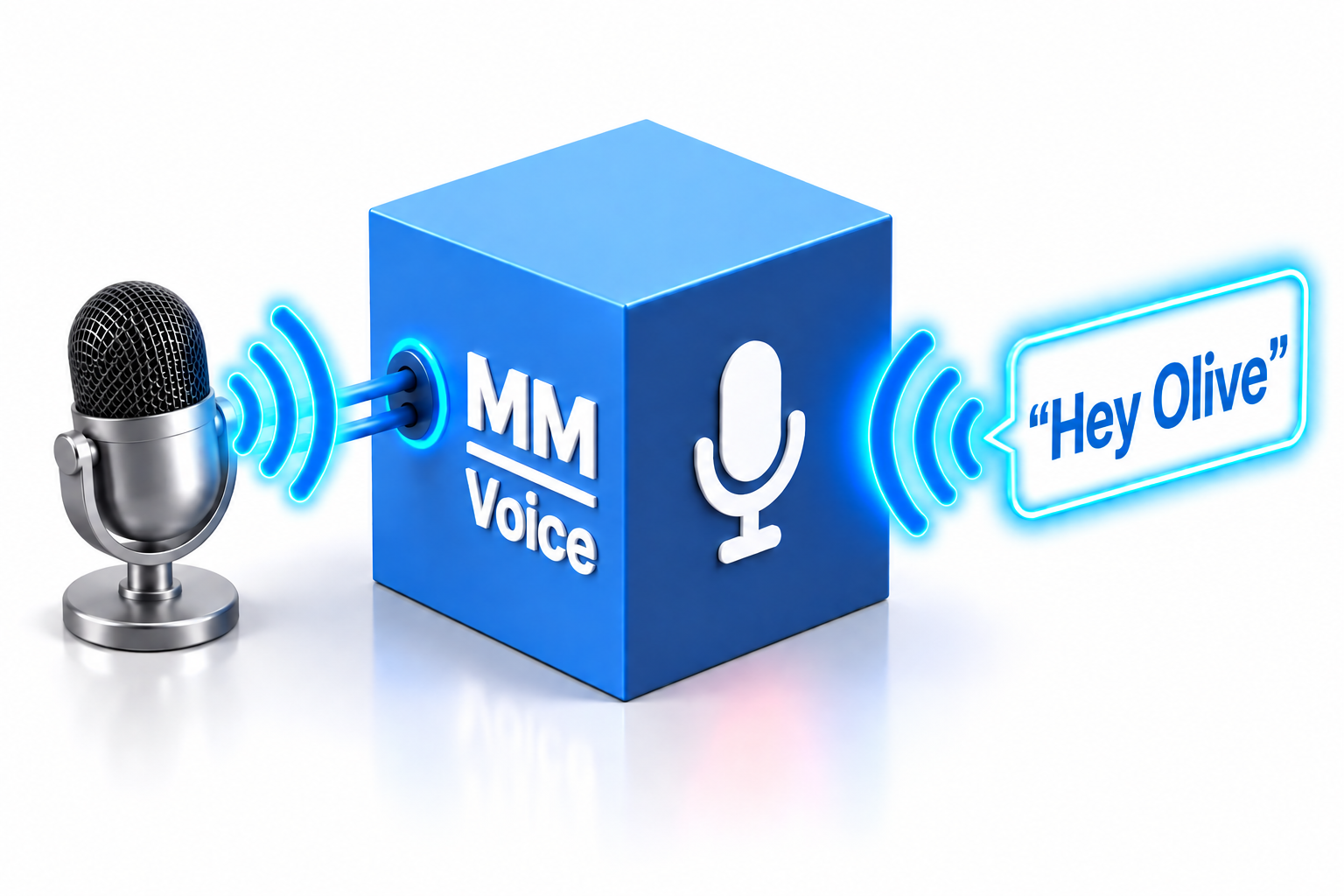
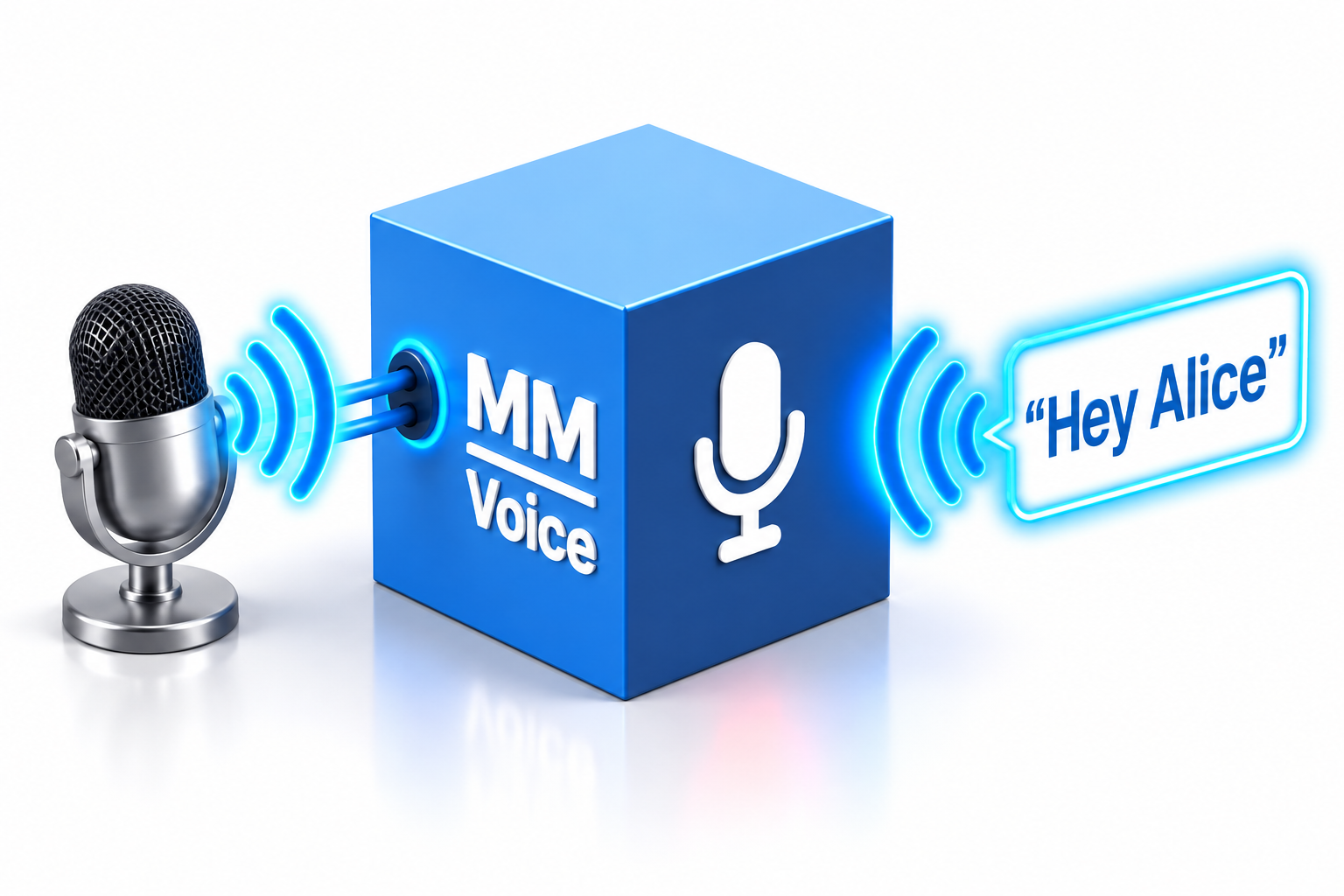
The MM-Voice brings voice recognition to the ModularMicros MM-Series, allowing you to interact with your modules simply by talking to them.
Start with a Wake Word - a word or phrase that gets your MM-Voice listening.
“Hey Olive”
Then say one of your recognised Command Words or Phrases:
“Outside temperature”
MM-Voice recognises the command and can use it to interact with other MM-Series modules on your network.
Ask for the outside temperature and your MM-Temperature can provide the reading. Combine it with MM-Speech and your ModularMicros can even answer you:
You: “Hey Olive, what is the outside temperature?”
ModularMicros: “Hello, the outside temperature is 23.6 ºC.”
Or perhaps you just want something to happen:
You: “Hey Olive, lights on.”
Your MM-Voice recognises the command and the appropriate MM-Series module can take care of the rest.
MM-Voice uses the Cyberon Speech Recognition Engine, with voice recognition taking place directly on the module rather than relying on an internet connection for speech recognition.
Wake Words and Command Words are created from text, so there's no lengthy process of training the module to recognise each individual person's voice.
The speech recognition technology supports 40+ languages, opening up lots of possibilities for multilingual projects and learning.
Because every MM-Series module speaks the same language, voice can become another simple way of interacting with your ModularMicros.
Instead of typing a command into a terminal, say it.
Ask for a measurement. Switch something on. Switch something off. Start an action. Or combine MM-Voice with other modules and see what you can make happen.
You don't need to understand speech recognition or AI to get started. Begin with a Wake Word and a few simple commands and start experimenting.
Want to discover more? Explore how Wake Words, Command Words, voice recognition, networking and the MM-Series Simple Command Language work together to create your own voice-controlled projects.
Say the Wake Word | Say the command | Make something happen
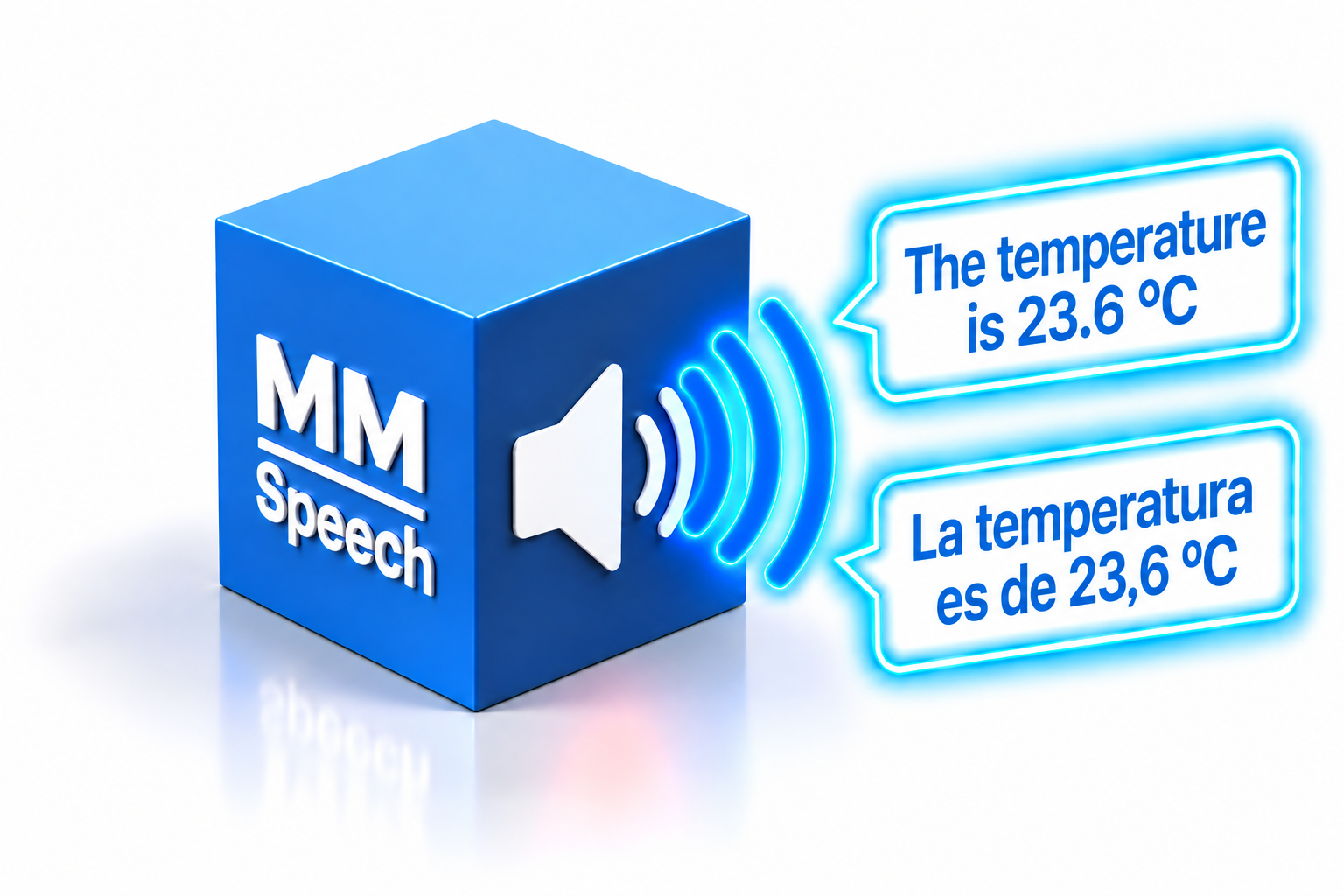
MM-Speech
The MM-Speech turns text and information from your MM-Series modules into natural-sounding speech.
Send MM-Speech something to say and it says it!
“The temperature is 23.6 ºC.”
Combine MM-Speech with other MM-Series modules and things start to get really interesting.
Your MM-Temperature might provide a temperature reading, while MM-Speech turns that reading into a spoken response.
Add MM-Voice and you can start having a conversation with your ModularMicros:
You: “Hey Olive, what is the outside temperature?”
ModularMicros: “Hello, the outside temperature is 23.6 ºC.”
Or perhaps another module detects something that needs your attention:
“Warning, the temperature is too high.”
“Data logging has started.”
“The lights are now on.”
MM-Speech uses an online AI Text-to-Speech service from Lemonfox.ai to turn text into natural-sounding audio.
With a choice of voices, accents and languages, your ModularMicros doesn't always have to sound the same. Experiment with different voices and languages and give your project its own personality.
Because every MM-Series module speaks the same language, information from other modules can become part of a spoken response.
A temperature can become a sentence. A digital input can become an announcement. An alarm can become a warning. And a simple command can make your project talk.
Put MM-Voice and MM-Speech together and your ModularMicros can both listen and talk.
“Hey Olive...”
MM-Voice listens for the Wake Word.
“What is the outside temperature?”
MM-Voice recognises the command, the MM-Series gets the information you asked for and
MM-Speech gives you the answer:
“Hello, the outside temperature is 23.6 ºC.”
That's when a collection of little modules starts to feel like something much bigger.
Start by sending MM-Speech a simple sentence and hearing it speak.
Then experiment with live measurements, changing values, different voices, accents, languages and other MM-Series modules to create interactive projects that can actually talk back to you.
You don't need to understand how AI Text-to-Speech works to get started - but if you want to discover what's happening behind the scenes, there's plenty to explore.
Give your ModularMicros something to say.